Passport photo sizes for South Korea, Japan, and the US
Written · Updated · Operator (individual)
You have a photo file from a photographer, but the application asks for a size you don't recognize. Start with the country and submission method. Separating the printed size from the upload dimensions makes it much easier to prepare the right copy.
How do the three sizes compare?
South Korea uses a 35×45mm photo with a head length of 32–36mm, measured from the top of the head to the chin. Japan also uses 35×45mm; its official diagram shows 34±2mm for head length. The US uses a 2×2-inch photo with a chin-to-top-of-head distance of 1–1⅜ inches.
The table below keeps those original units. For an online application, read its format, pixel dimensions, and file-size instructions too. Tell a photographer which country and application method you are preparing for so the supplied copy fits the task.
How should I prepare the original?
Use even lighting and a suitable background. Look closely for glasses glare, shadows, and hair covering the face while you can still take another shot. Changing the camera distance or lighting is often the quickest way to improve the original.
For South Korean and US passport submissions, use a photo that meets the capture rules from the start. Their official guidance restricts artificial alterations, including background removal or compositing and AI editing. The official examples linked below help you check what is acceptable.
Check both the face and background: a white wall can still have a strong shadow. A very close camera can change apparent facial proportions. Pick a suitable original before adjusting the frame.
How do I check the frame in MiruKit?
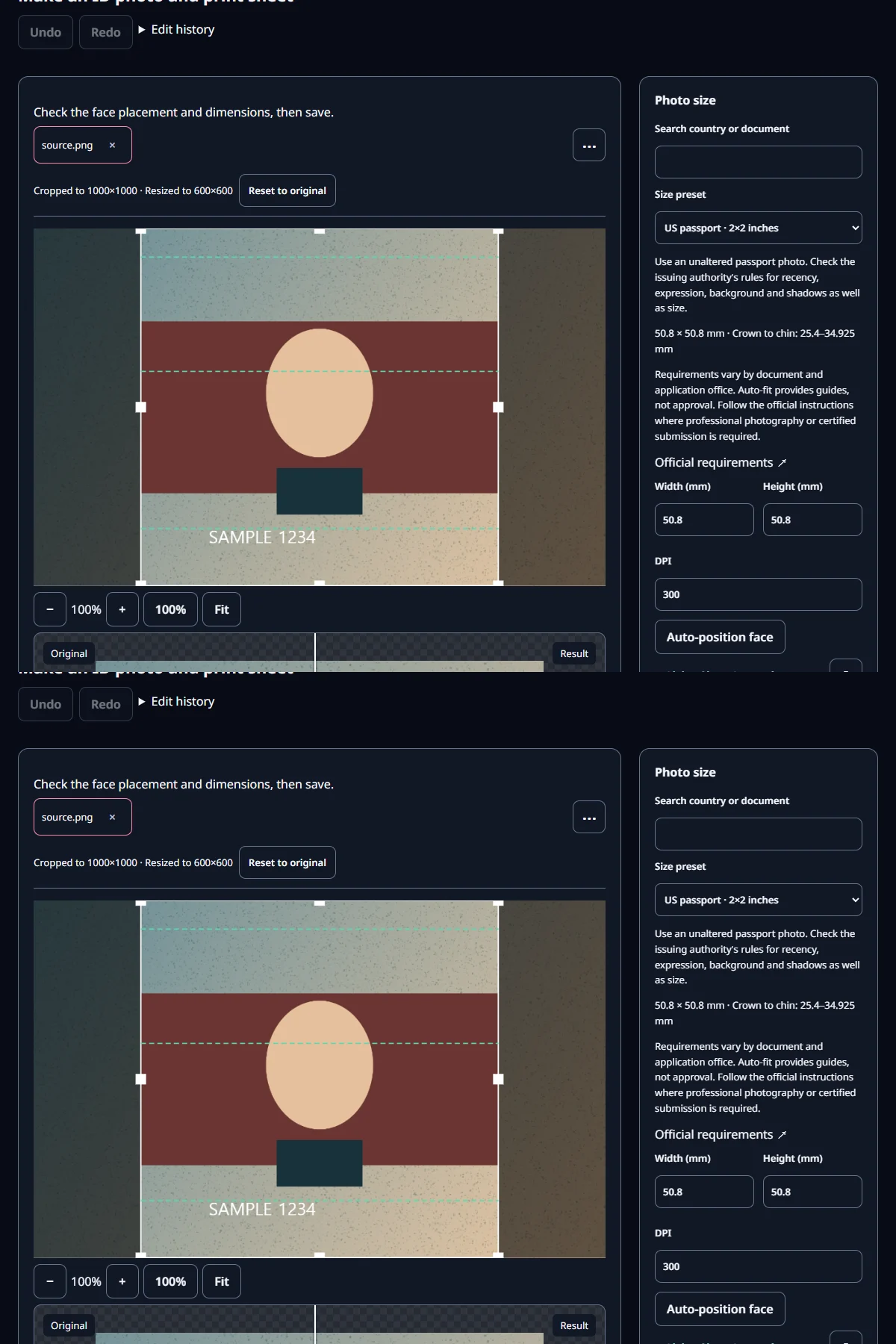
- Choose the country and document type in ID Photo. Select the passport, visa, or other document you actually need.
- Compare the top of the head, chin, and space above the head with the official diagram. Adjust position and size while watching the whole hair outline.
- Save the copy and check its dimensions. For a print, check the print scale and measure the finished photo with a ruler.
Even after automatic alignment, check the head and chin yourself. A face detector can start near the forehead, so a frame based on it may clip the hair. An original with enough room above the head makes framing easier.
What is the difference between mm and pixels?
Millimeters describe a length on paper; pixels describe the image grid. Use the printed specification for a physical photograph and the application's pixel instructions for an upload. A print dialog's fit-to-page option can change the final size, so a trial print is useful.
For example, a 32–36mm head within a 45mm photograph occupies about 71–80% of its height. Use that to understand the layout, then follow the official diagram's measurement points when positioning your photo.
What do our example files show?
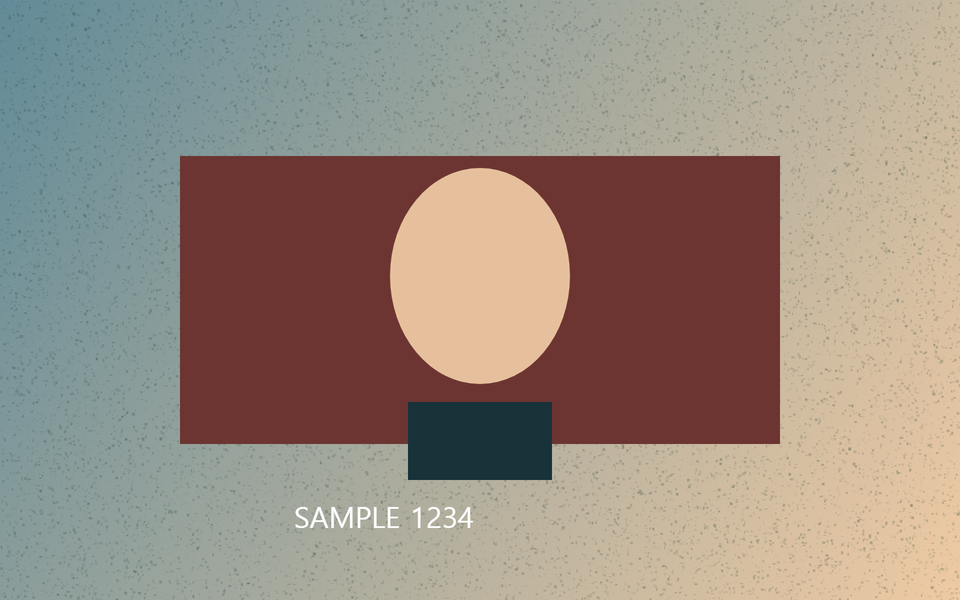
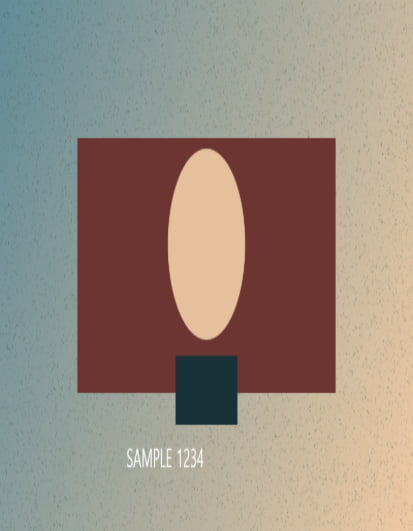
We used drawn shapes to check saved geometry: 413×531px for the Korean and Japanese examples and 600×600px for the US example. These are our test output settings. The first table describes the official print specifications; the next table shows what the tool saved.
For your own photo, check the face, background, expression, and intended submission method after checking the dimensions. Name print and upload copies clearly so you can select the right one later.
Open the related toolMeasured with MiruKit
| Country | Print size | Head length |
|---|---|---|
| South Korea | 35×45 mm | 32–36 mm |
| Japan | 35×45 mm | 34±2 mm |
| United States | 2×2 in | 1–1⅜ in |
| Setting | Actual size | Observed result |
|---|---|---|
| South Korea | 17.4 KB | 413×531 px |
| United States | 28.6 KB | 600×600 px |
| Japan | 17.4 KB | 413×531 px |
Good to know
Use the destination's current official capture, editing, and online file instructions. Sources and the date checked are below.
Automatic alignment helps position a photo; the application authority decides whether it is accepted.
Official sources
Sources checked 2026-10-15